




1. Design & First Impressions
On unboxing the Fire TV Stick 4K Max, the first impression is its compact, minimalist design. The device itself resembles a small USB stick with an HDMI connector — a form factor that’s proven popular with streaming sticks because it takes up almost no space behind the TV. The matte black finish and slim profile allow it to blend seamlessly behind most television models.
Included in the package are the Fire TV Stick 4K Max, a voice‑enabled remote control, a USB cable, a power adapter, and a HDMI extender — a thoughtful inclusion that helps fit the stick into tight HDMI ports.
The remote is comfortable to hold and includes voice control buttons for Amazon Alexa, making navigation and content search easy without multiple key presses.
2. Picture & Video Quality
The Fire TV Stick 4K Max is engineered to deliver 4K Ultra HD streaming at up to 2160p resolution, which means images are sharp and detailed when paired with a compatible 4K display. The device supports advanced high dynamic range formats such as HDR10+ and Dolby Vision, enhancing contrast and color accuracy for movies, shows, and games that support these standards.
This means you get:
-
Lifelike colors and brightness levels in HDR content
-
Better depth and realism in scenes with bright highlights and deep shadows
-
Compatibility with many major streaming platforms that offer 4K HDR content
Whether you’re watching cinematic dramas or animated features, the Fire TV Stick 4K Max delivers a visually rich experience that’s hard to beat at this price range.
3. Performance & Speed
Under the hood, the Fire TV Stick 4K Max is equipped with a quad‑core processor that enables fast app launches, smooth transitions, and responsive menus. It’s also one of the first Fire TV sticks to support Wi‑Fi 6E, alongside legacy Wi‑Fi 6 and older standards — which allows for more stable streaming, reduced buffering, and lower latency on compatible networks.
Streaming can feel more fluid even in households with many connected devices because Wi‑Fi 6E uses the less congested 6 GHz spectrum, reducing interruptions and improving performance when multiple users are online at the same time.
The device includes 16 GB of internal storage, which is more than many lower‑cost sticks and enables you to install more apps, games, and utilities without quickly running out of space.
4. User Interface & Smart Features
The Fire TV operating system (Fire OS) is designed to be intuitive and tailored toward ease of use. The main home screen organizes content recommendations based on your streaming habits and subscriptions, making it easier to find movies, shows, and apps you’ll enjoy.
Key features include:
-
Alexa Voice Control: Use the remote or Alexa‑enabled devices to search for content, launch apps, and control smart home devices.
-
Customizable Home Screen: Pin favorite apps, hide unused ones, and tailor recommendations.
-
App Library Access: Install popular apps like Amazon Prime Video, Netflix, Disney+, YouTube, and more.
Voice commands are especially handy, reducing the need to type with directional buttons — a small convenience that adds up over time.
5. Audio Experience
The Fire TV Stick 4K Max supports Dolby Atmos audio, which delivers surround sound when connected to compatible soundbars or A/V receivers. This means immersive audio that enhances movies, shows, and even music streaming.
However, real impact depends on the sound system you pair with your TV — a basic TV speaker setup won’t fully exploit Dolby Atmos, but pairing with modern audio gear can transform your living room into a more cinematic environment.
6. Gaming & Additional Capabilities
While primarily a streaming device, the 4K Max can also support cloud gaming through services like Amazon Luna — enabling casual gaming without a console or additional hardware.
Bluetooth also allows you to connect game controllers, keyboards, or headphones, expanding its usability beyond streaming videos to media browsing and light gaming.
7. Smart Home Integration & Voice Control
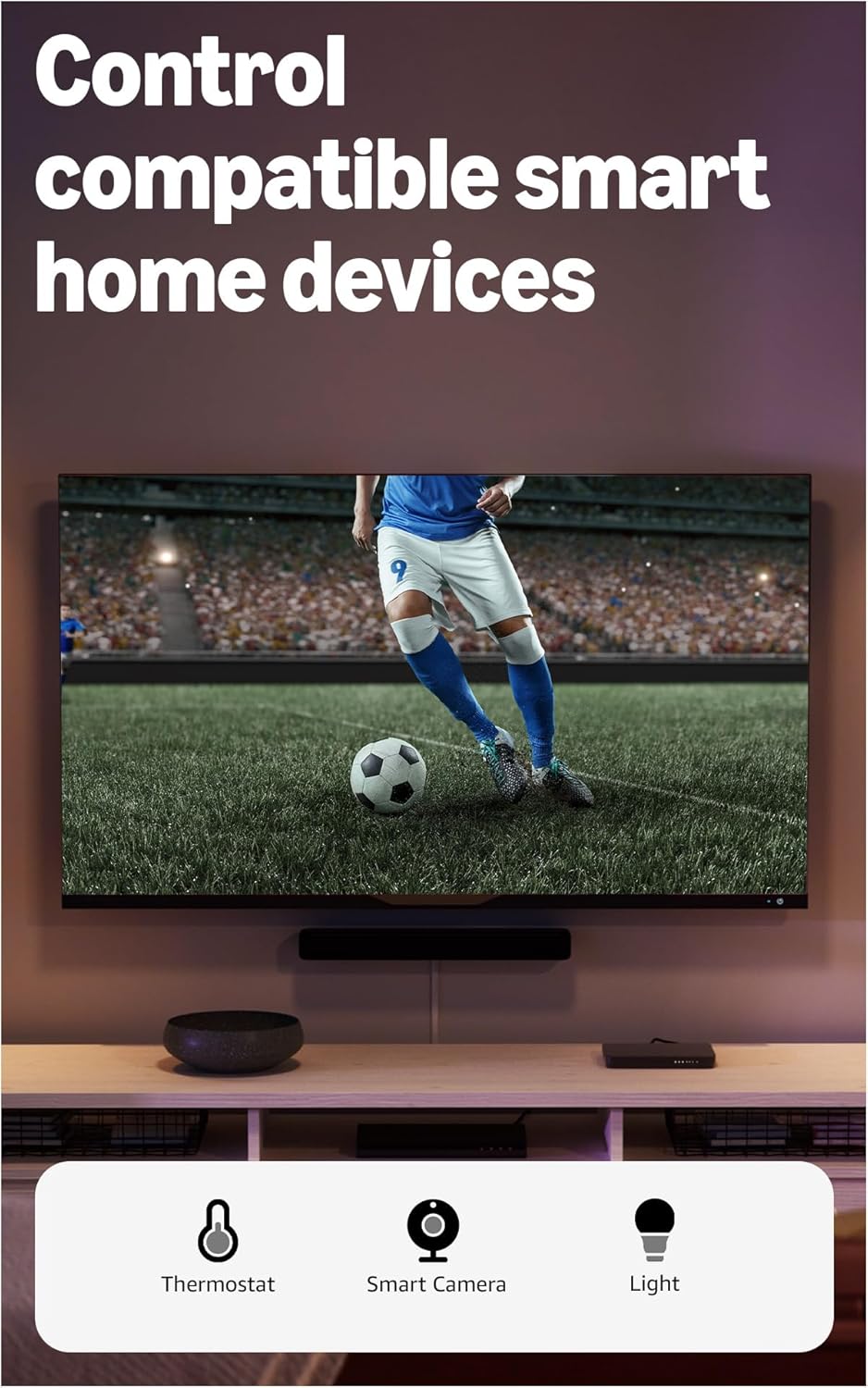
Because it’s part of the Amazon Fire ecosystem, this streaming stick integrates nicely with other Amazon and Alexa‑compatible devices. You can:
-
Ask Alexa to show feeds from compatible smart cameras
-
Control smart lights, plugs, and more from your TV screen
-
Ask for weather or basic information while watching a show
This turns your TV into not just an entertainment hub but a smart control center for your household.
8. Setup & Installation: Quick & Easy
Setting up the Fire TV Stick 4K Max is straightforward:
-
Plug into TV’s HDMI port — use the included extender if space is tight.
-
Connect the power adapter and switch on.
-
Pair the remote and connect to Wi‑Fi.
-
Sign in with your Amazon account and start streaming.
Most users can complete this process in under 10 minutes. Because it doesn’t require separate apps or advanced configurations, even less tech‑savvy users can get started quickly.
9. Pros & Considerations
Pros
-
4K UHD streaming with HDR10+ and Dolby Vision for stunning video quality.
-
Wi‑Fi 6E support for smoother and more stable network performance.
-
Alexa voice‑enabled remote for easy navigation and voice commands.
-
Dolby Atmos support for immersive audio on compatible systems.
-
Generous 16 GB storage for more apps and content.
Considerations
-
Requires a 4K‑capable TV to enjoy full Ultra HD benefits.
-
Streaming performance still depends on your internet speed — 4K content demands solid bandwidth.
-
Some features like Wi‑Fi 6E benefits require newer routers that support the 6 GHz band.
10. Overall Value & Final Thoughts
The Amazon Fire TV Stick 4K Max is a compelling streaming device that strikes a strong balance between performance, ease of use, smart features, and value. Its combination of 4K video quality, advanced Wi‑Fi support, and integrated Alexa voice control make it a standout choice for anyone looking to upgrade their TV experience without investing in expensive smart TVs or media players.